custom-screens-issues
Custom Screens
Custom Screens lets you display fullscreen overlays and lightweight tips to players using simple preset files and commands. Define your own layouts, text, images, and timing through a simple configuration file.
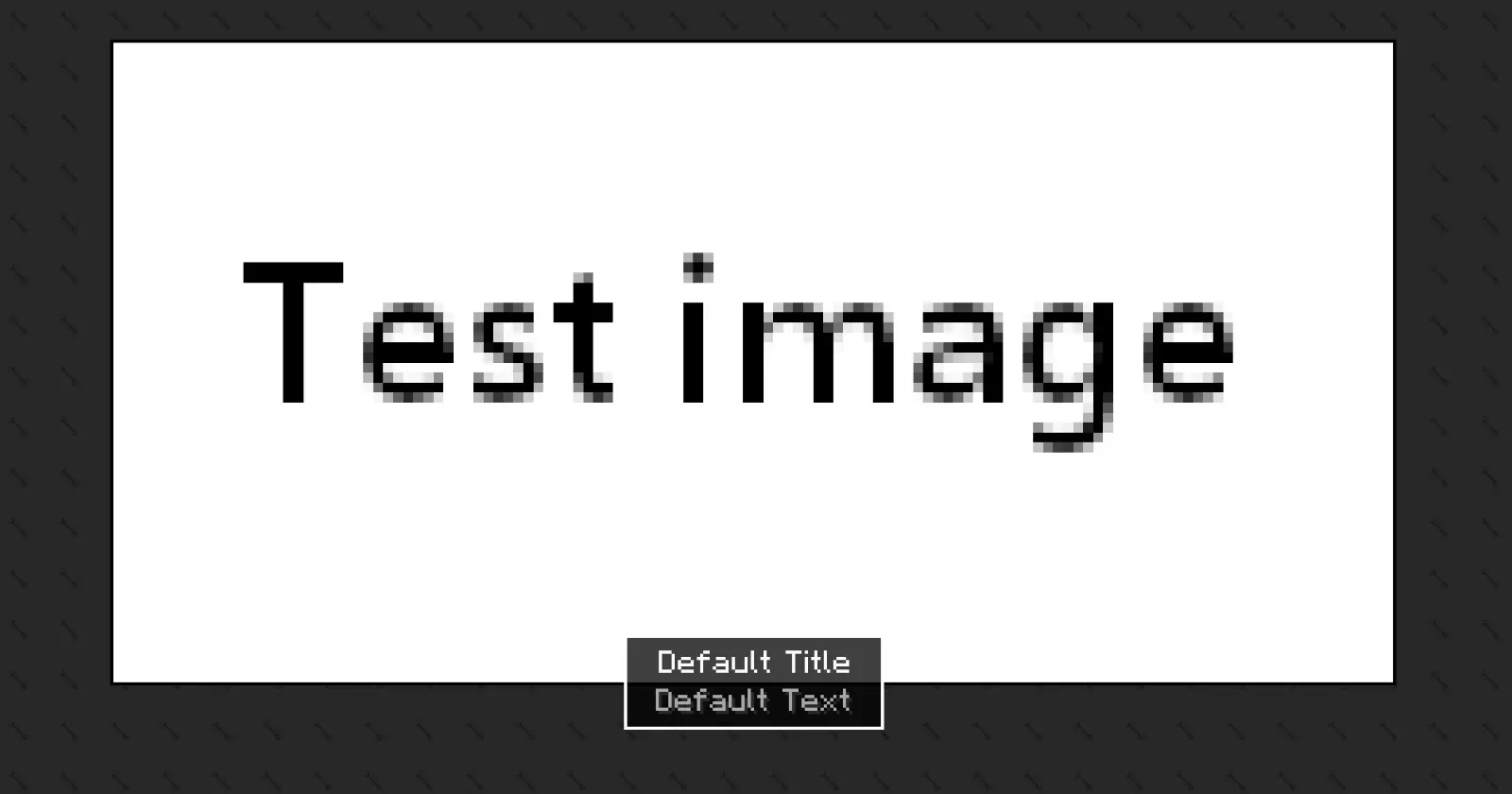
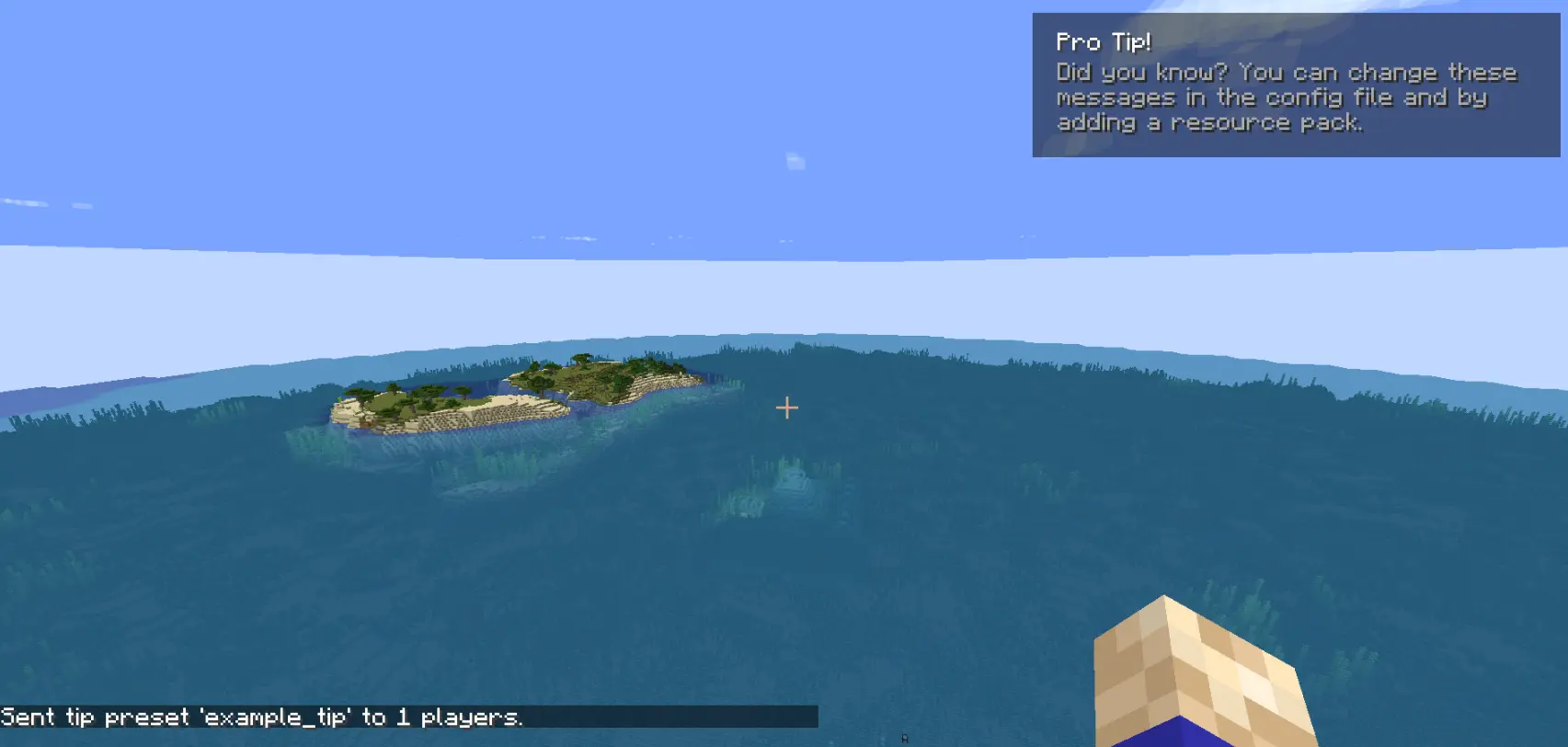
How to use
The mod generates two config files after the first launch:
config/arcana/custom-screens-presets.json
This file defines each screen preset, including:
- Preset name
- Title and body text
- Text position
- Image and background (bg size, 64x64) (optional)
- Image size
- Display duration
Note: If no image or background is specified, it will not be rendered.
config/arcana/custom-tips-presets.json
This file defines each screen preset, including:
- Preset name
- Title and body text
- Text position
- Display duration
To add another preset duplicate the example preset in the JSON file and modify it as needed. The example preset can also be removed.
Commands
All commands related to this mod are under the /cs command. These are:
/cs show-screen <targets> <showToOp> <shouldCloseOnEsc> <presetName>- targets — Players to target.
- showToOp — Sends feedback to online operators. [true/false]
- shouldCloseOnEsc — Allows players to close the screen with ESC. [true/false]
- presetName — Preset key from the config file. [string]
/cs show-tip <targets> <showToOp> <title> <description> <position> <duration>- title and description written between
". - position where the tip shows in the screen.
- duration is measured in seconds.
- title and description written between
/cs show-tip-preset <targets> <showToOp> <presetName>- targets — Players to target.
- showToOp — Sends feedback to online operators. [true/false]
- presetName — Preset key from the config file. [string]
/cs stop-screen <targets>- Tries to close the currently active screen or tip for the selected players.
- targets — Players to target.
Custom text and images (via resource pack)
Images and text can be provided using a resource pack.
- Text:
myresourcepack\assets\custom_screens\lang\en_us.json - Images:
myresourcepack\assets\custom_screens\textures\gui\*.pngImportant notes:
- Background images will tile to fill the entire screen.
- Only .png files are supported.